
How it works
Review take-home assignments with Reviewly
How Reviewly can automate and support recruitment initiatives within a company's typical hiring process.

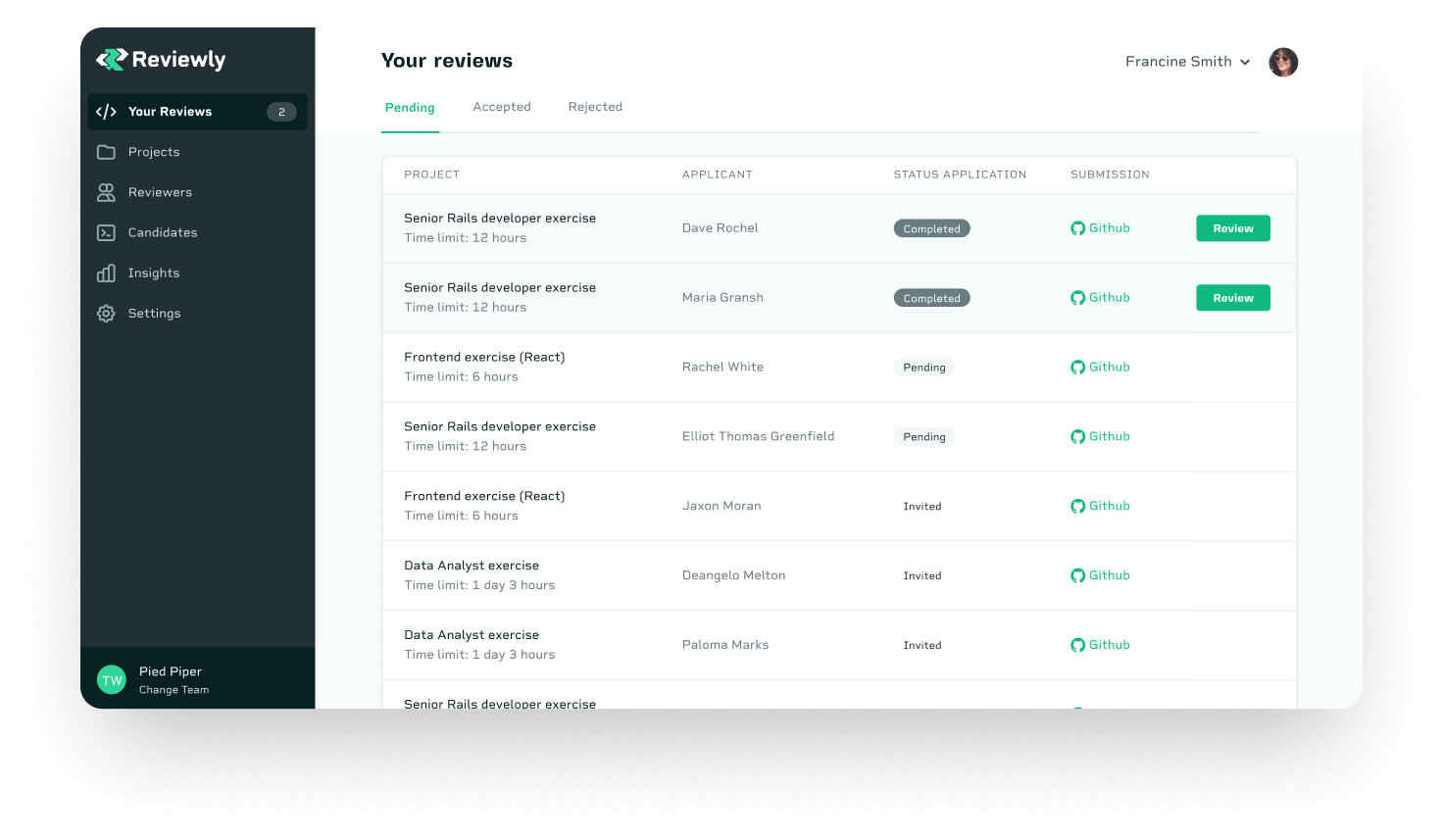
Step 1
Orchestrate the process


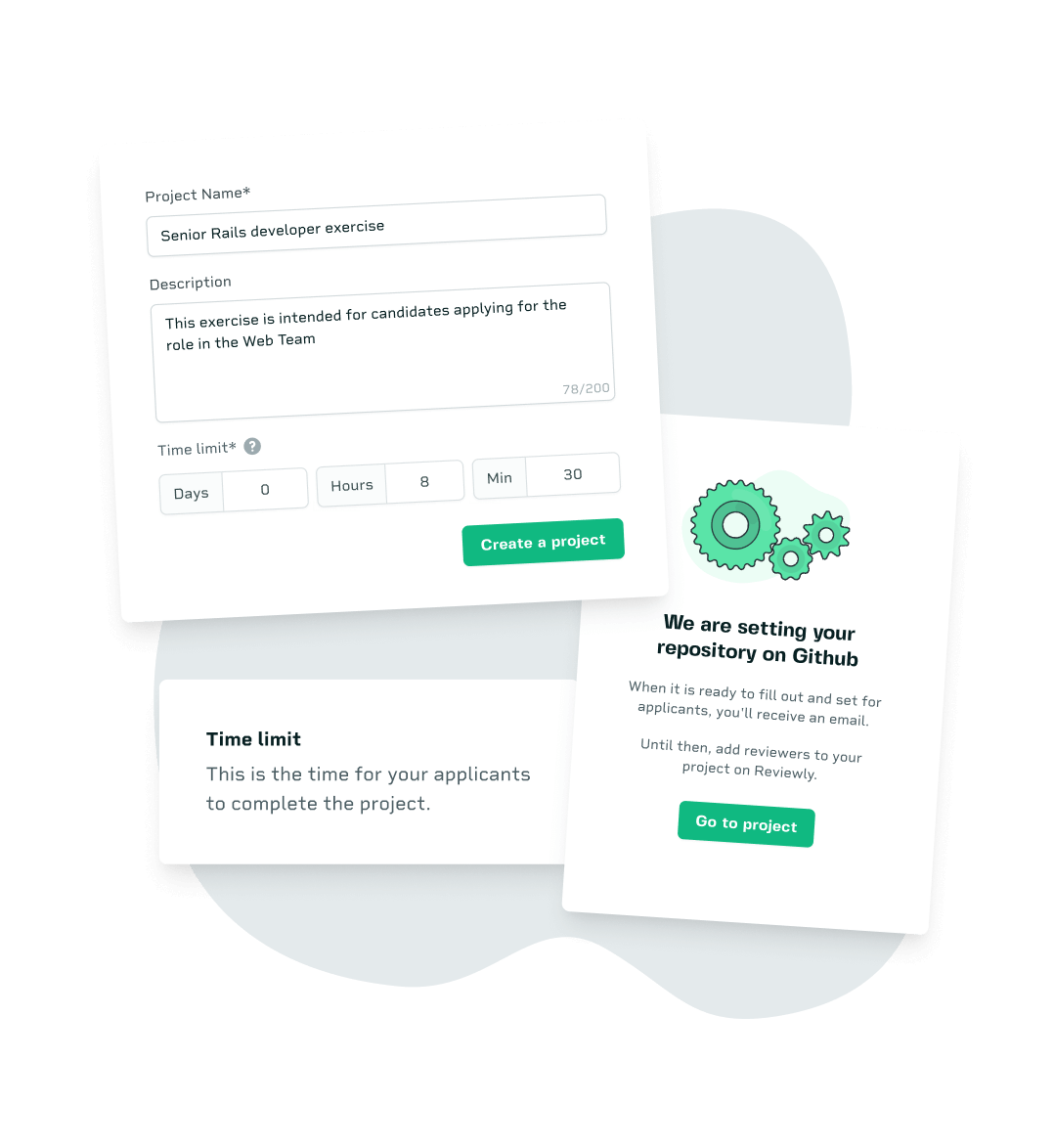
Create a take-home project
The first step is to create a project for each open position.
You can create as many projects as you like: Reviewly will automatically create a GitHub repository for each one and invite you to it.

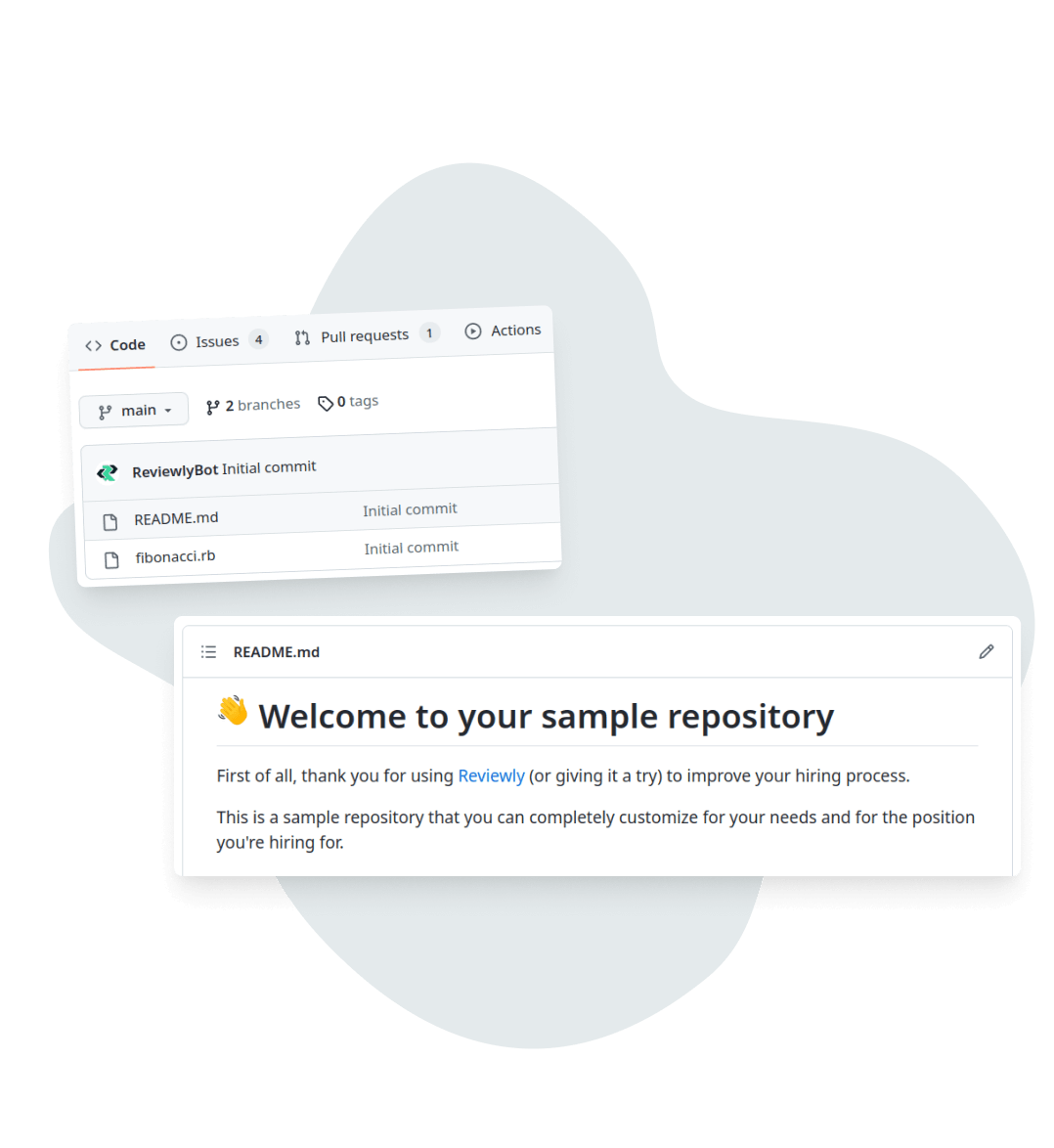
Customize it to fit your needs
Each project on GitHub can be customized to meet your needs.
You can write instructions for the candidate in the README and add sample code to the repository for them to use.
You can also create sample issues and PRs to see how candidates interact with your team and review other people's code.

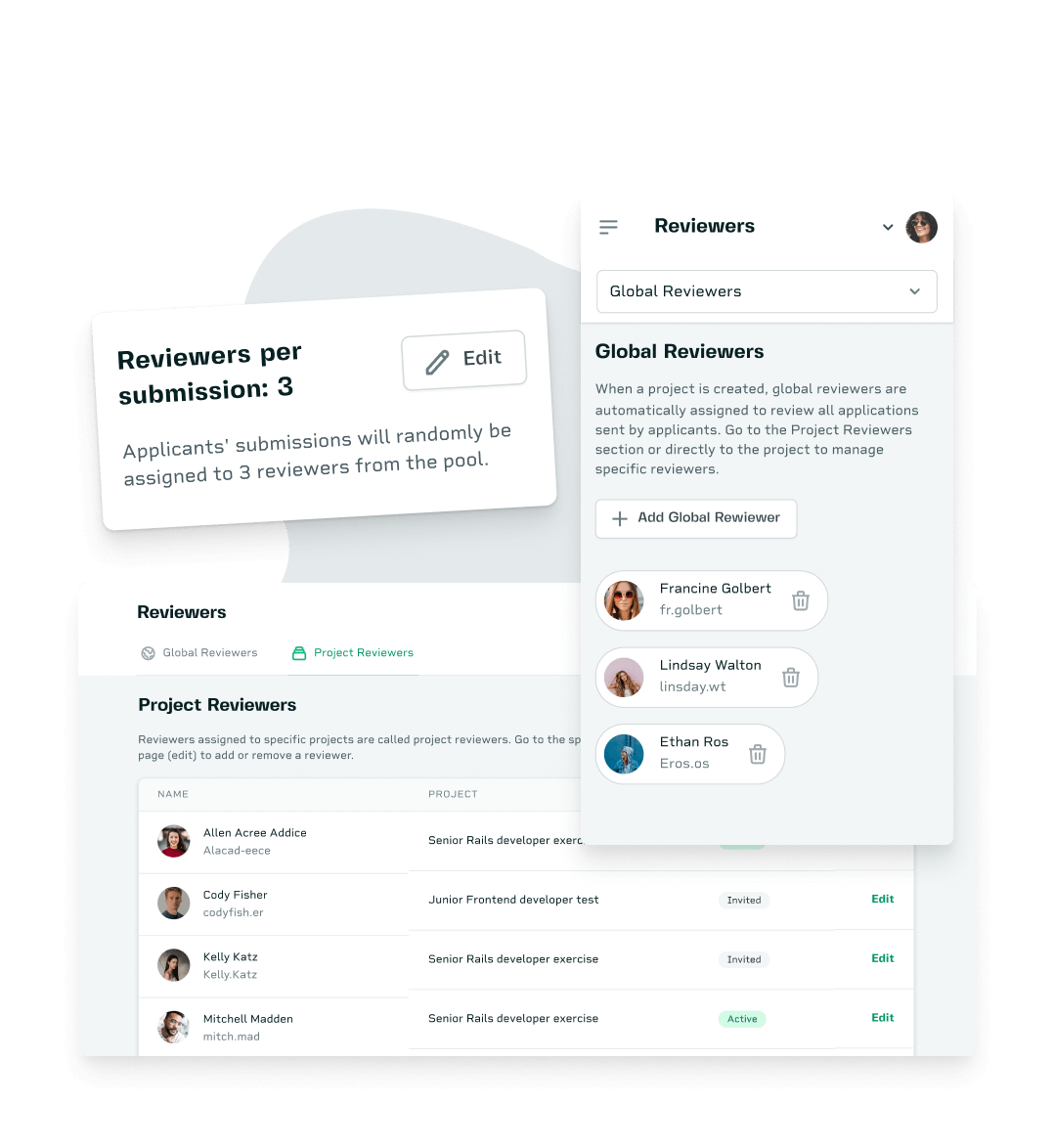
Choose the reviewers
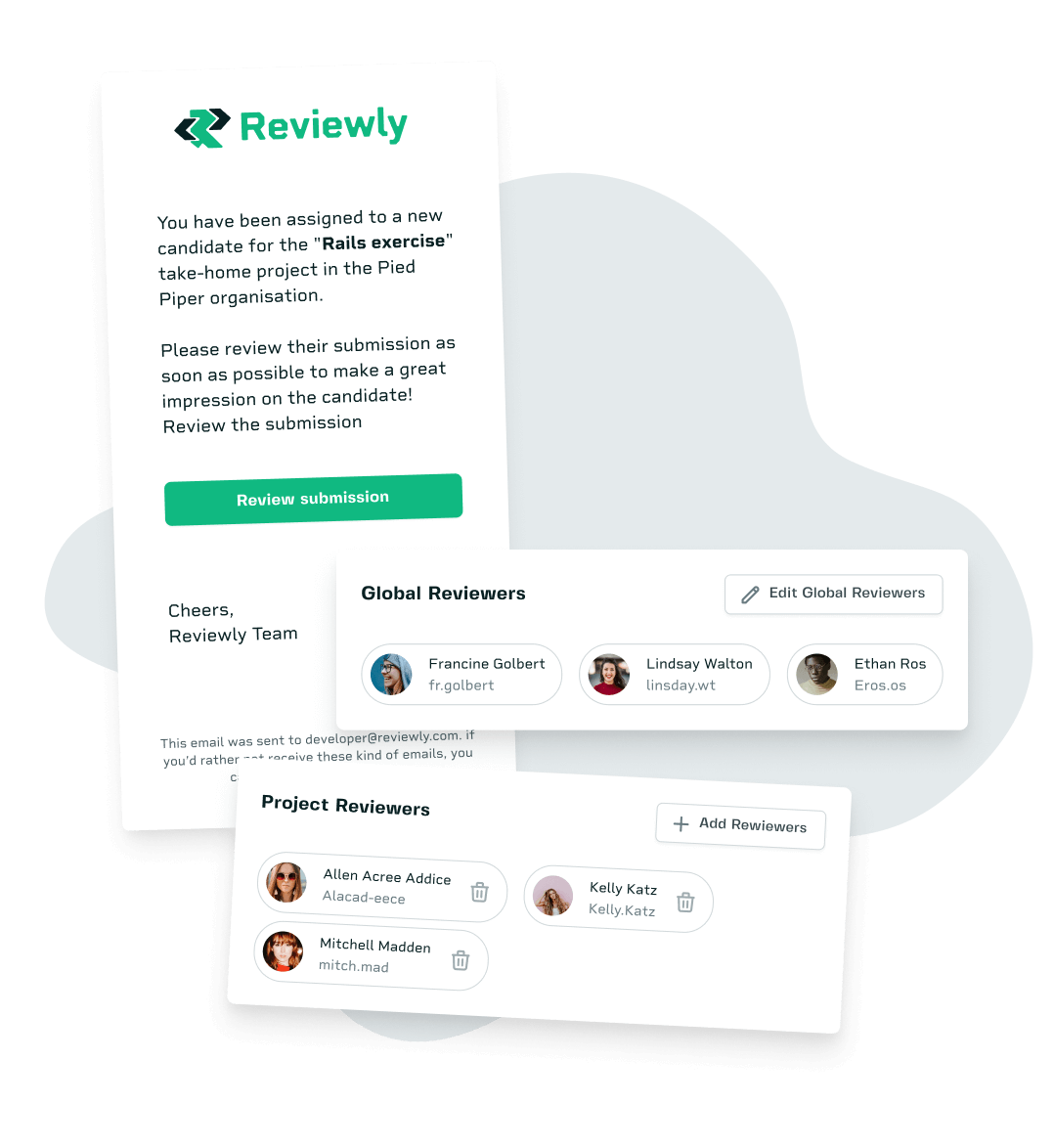
Choose the developers on your team who will review the candidates' submissions.
You can set developers as global reviewers, and they'll automatically be added to all your projects.
Or you can add them separately to each project if different people will evaluate different projects.
Step 2
Let developers create

Invite candidates
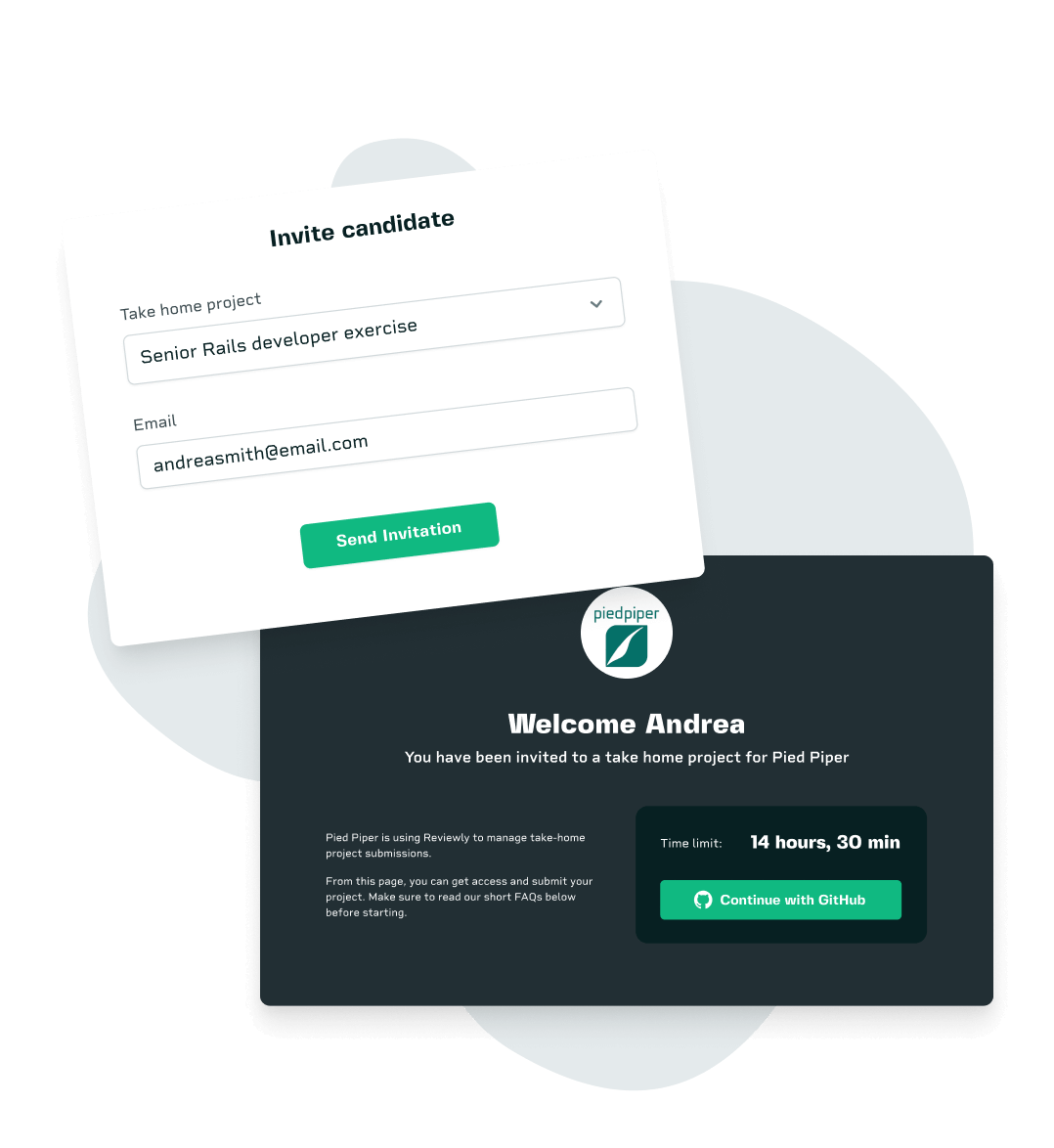
As soon as the project has been customized and set up, you can start inviting candidates by email.
When a candidate is invited, the entire GitHub repository is replicated to a new repository that is accessible only to them.

Auto-assignment to your team
When the exercise is submitted, the submission will be automatically assigned to reviewers.
We'll randomly select a number of reviewers from those assigned to the project.
You can also add someone else manually if you need an extra opinion on a candidate.
Step 3
Review and summarize

Review the submission
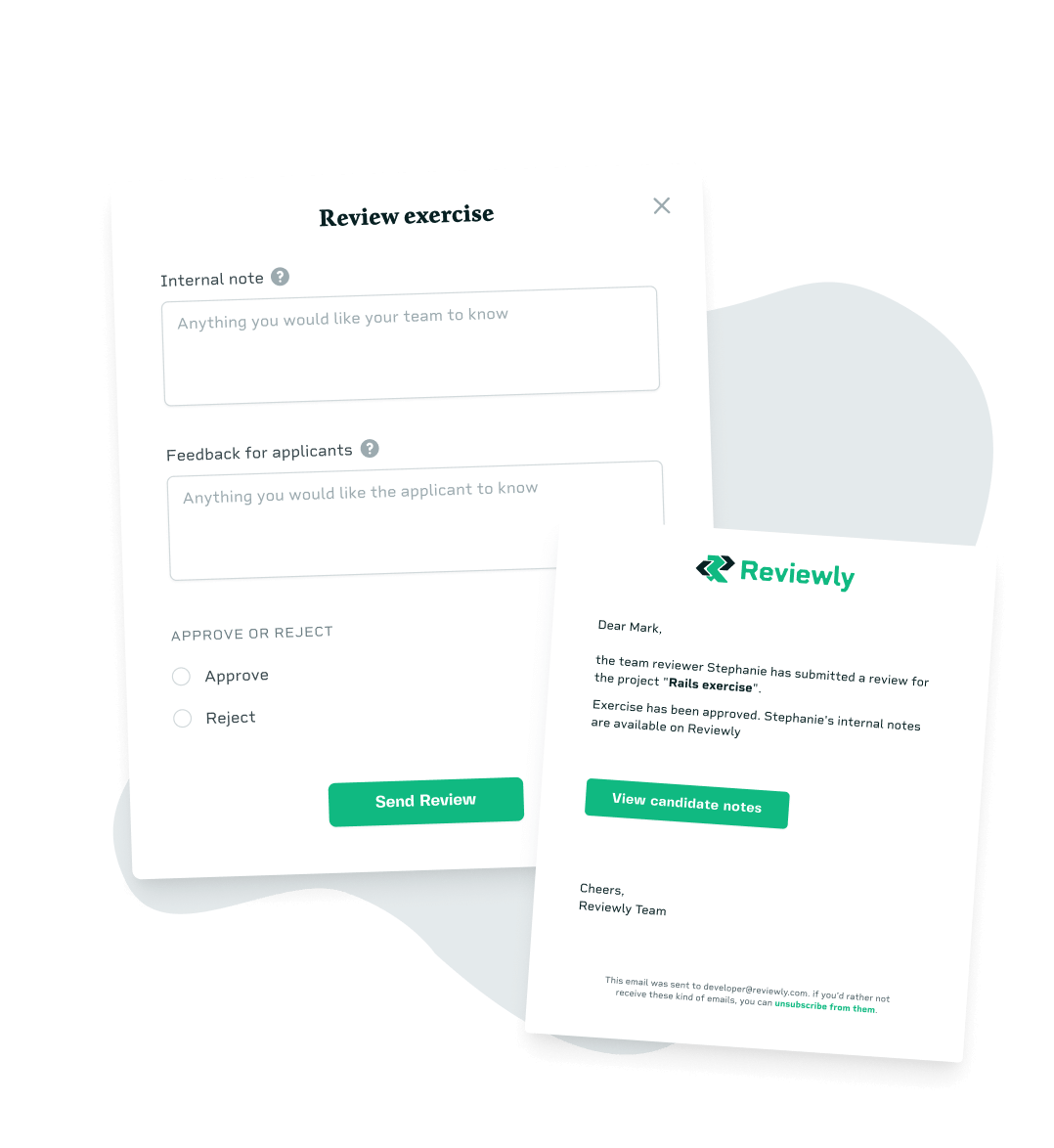
Reviewers evaluate the take-home assignment and approve or reject it.
They can leave internal notes for the rest of the team and also send feedback to the candidate by email.
Each time a reviewer submits a review, the person who invited the candidate is notified, so they can follow up.

Measure your performance
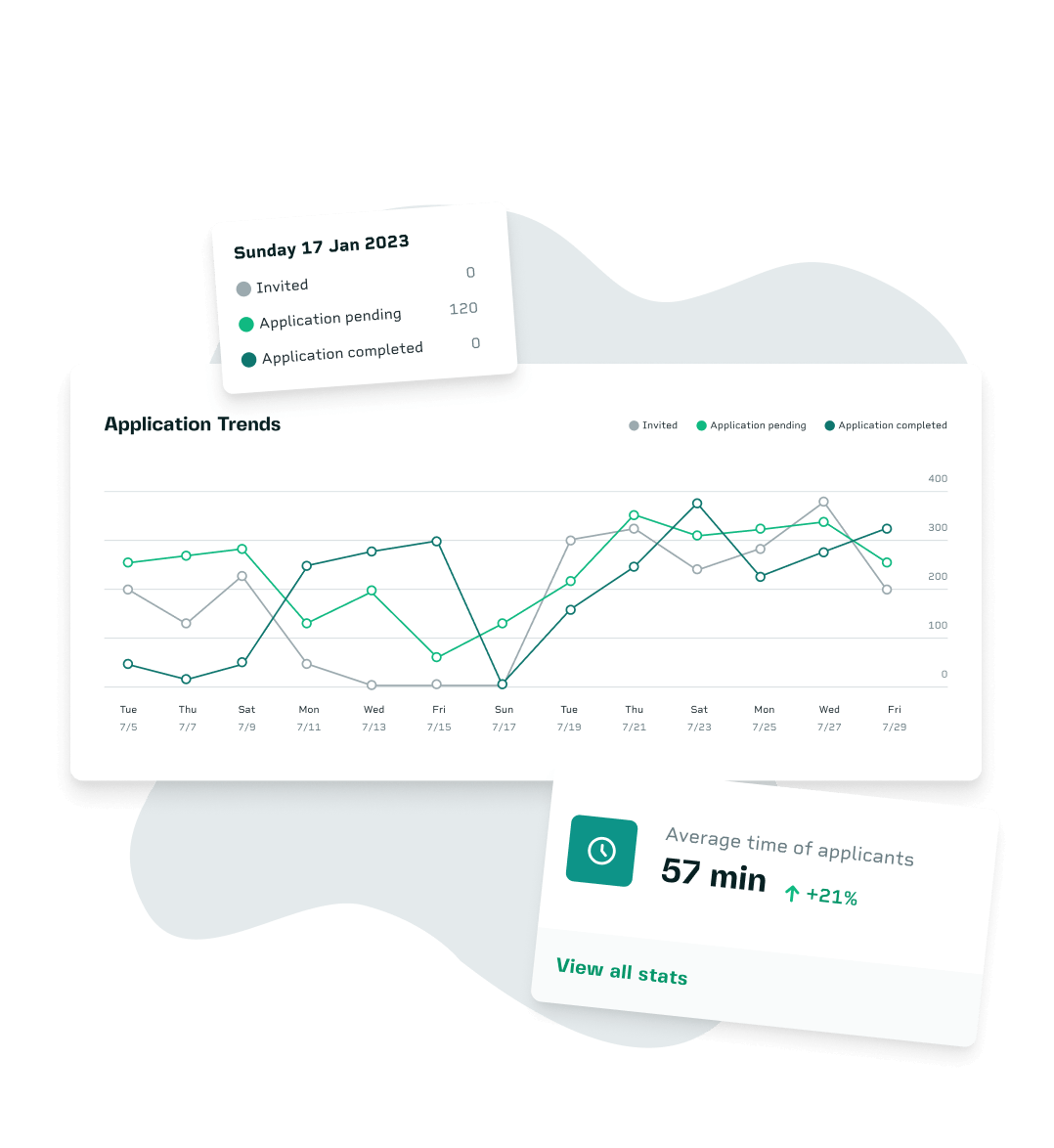
Analyze team and candidate performance with Reviewly insights.
Get insights into how long it takes to submit and review take-home projects so you can improve them for future positions.
Bonus point
Zapier and Make integrations
The Zapier and Make integrations make it even easier to integrate your existing hiring process with Reviewly. Reviewly's goal is not to replace your current process but to improve it.
Get started now
Frequently asked questions
Here you can find a list of the most common questions. If you need further information, please contact us.
Do you provide a pre-built library of exercises?
No, we create a sample repository that you can completely customize to suit your needs. We believe each company is different, and it's best to have something as similar as possible to the real work that candidates will do.
Can I use Reviewly for other kinds of positions?
Maybe. We integrate directly with GitHub, so candidates will need to create an account there. From there, you can add any instructions you like. Just keep in mind that they may be less familiar with GitHub than developers are.
When should I invite a candidate to a take-home project?
That depends on your hiring process. You could send a very quick one to filter initial candidates and then a second one only to the top candidates. Please consider rewarding people for their time if possible.
Do you integrate with platforms other than GitHub?
No. At the moment, we only integrate with GitHub. Even if your company is not using it, you might still be able to create a new organization just for this. We also recommend creating a separate organization, even if you're already using GitHub.
Hiring developers through take-home challenges?
Start building a quality development team faster
Install Reviewly on your GitHub organization and never worry about it again!
Get started